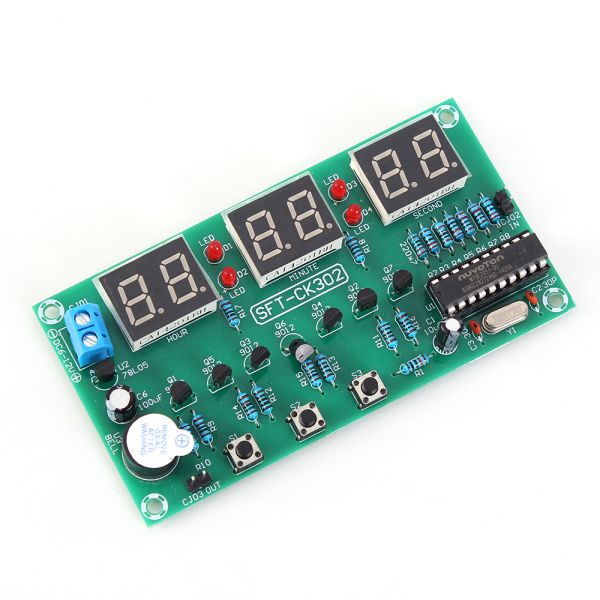

Monday Kids LED Electronic Clock Module Alarm Clock Countdown Stopwatch Multi-function Digital Electronic Clock Board 6 Bit DC 6V-12V
$5.93
Availability:
In stock
SKU
BK-DG-39
Payment Security

We are PayPal Verified
PayPal is a secure and trusted payment processing service that allows you to shop online. PayPal can be used at mondaykids.com to purchase items by Credit Card (Visa, MasterCard, Discover, and American Express), Debit Card , or E-check (i.e. using your regular Bank Account).
- Hign-concerned Chemical: None
- Package: Other
- is_customized: Yes
- Model Number: SFT-CK301
- Operating Temperature: -40-85 Celsius
- Supply Voltage: DC 6V-12V
- Application: Other
- Condition: New
- Type: Logic ICs
- Brand Name: Monday Kids
- Work current: 35mA
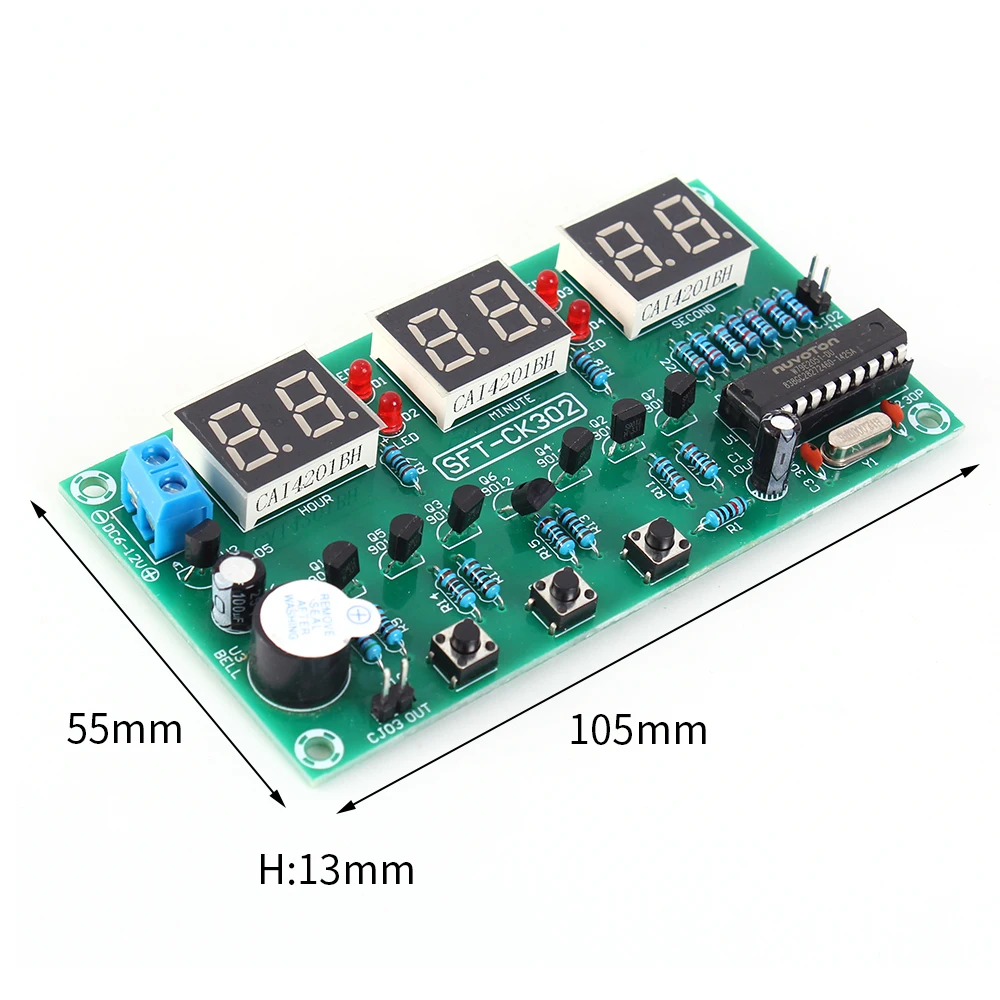
- Size: 105*55*13mm
- Function: Clock;Calibration;Countdown;Stopwatch;Counter
Description:
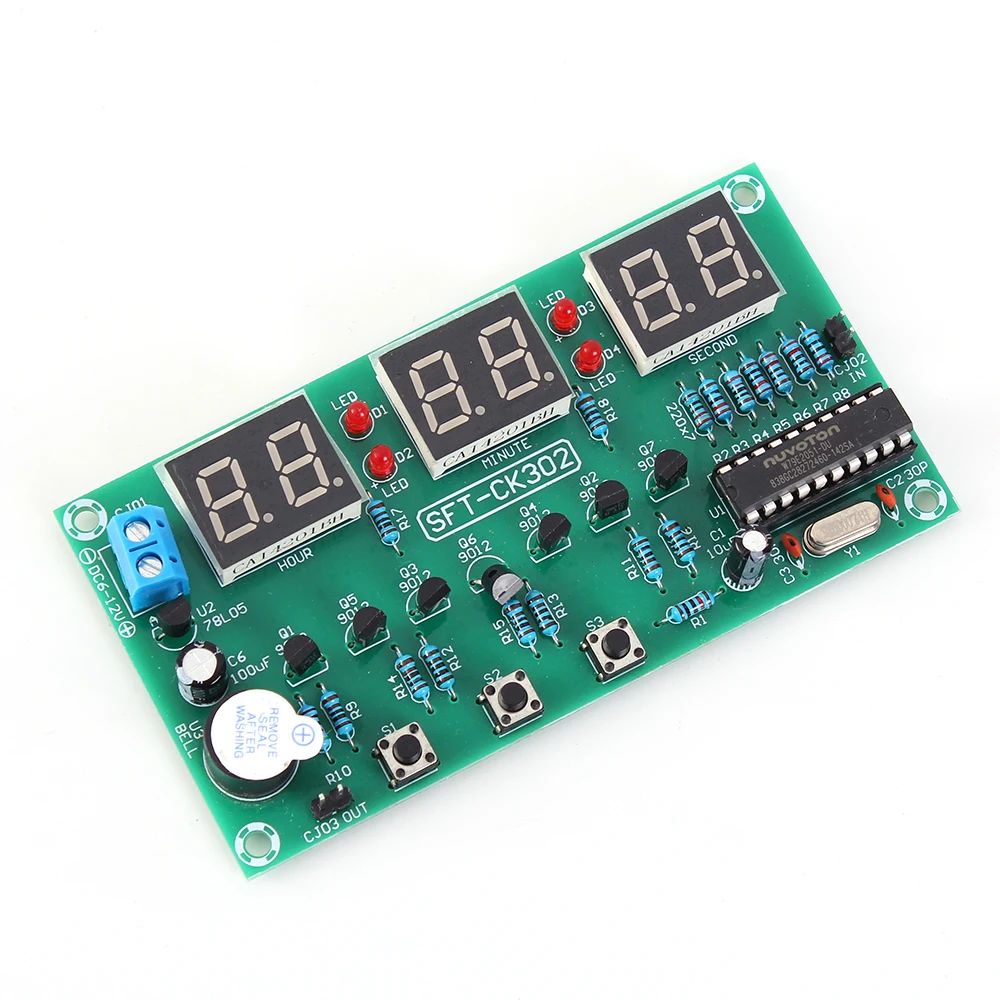
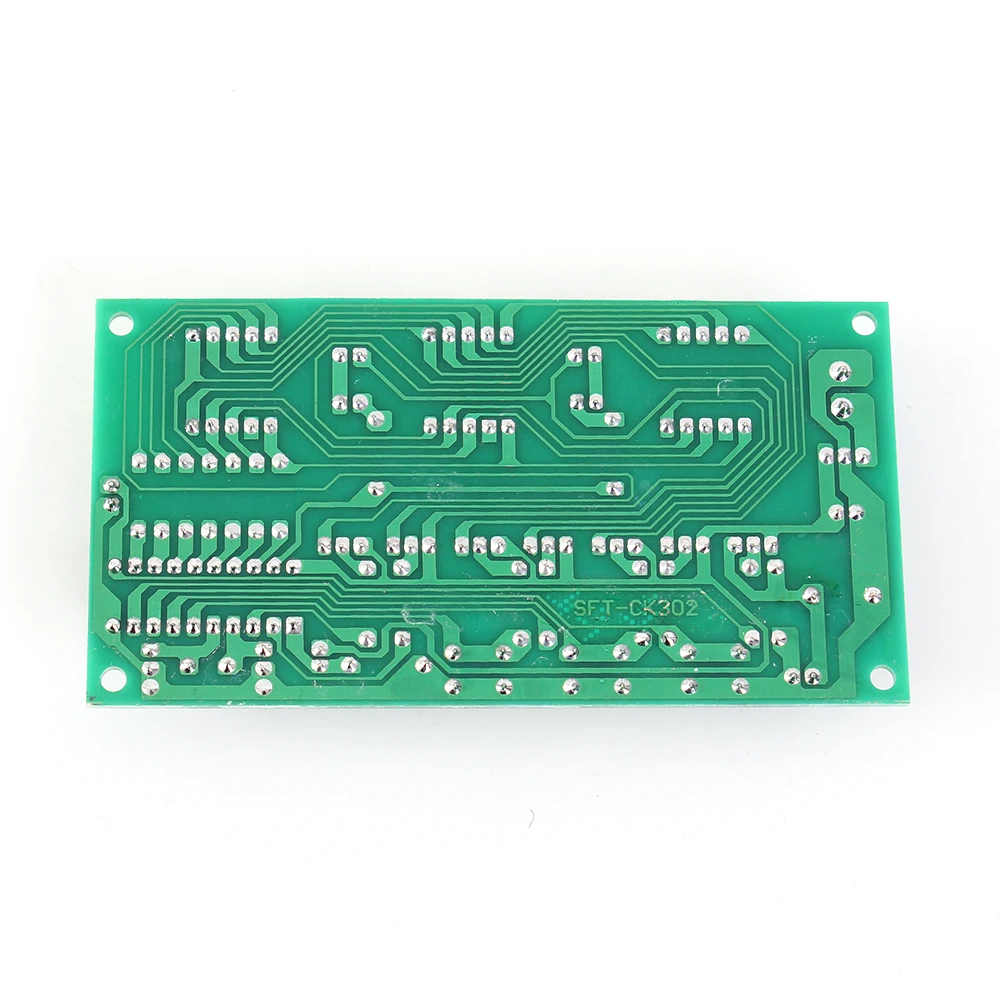
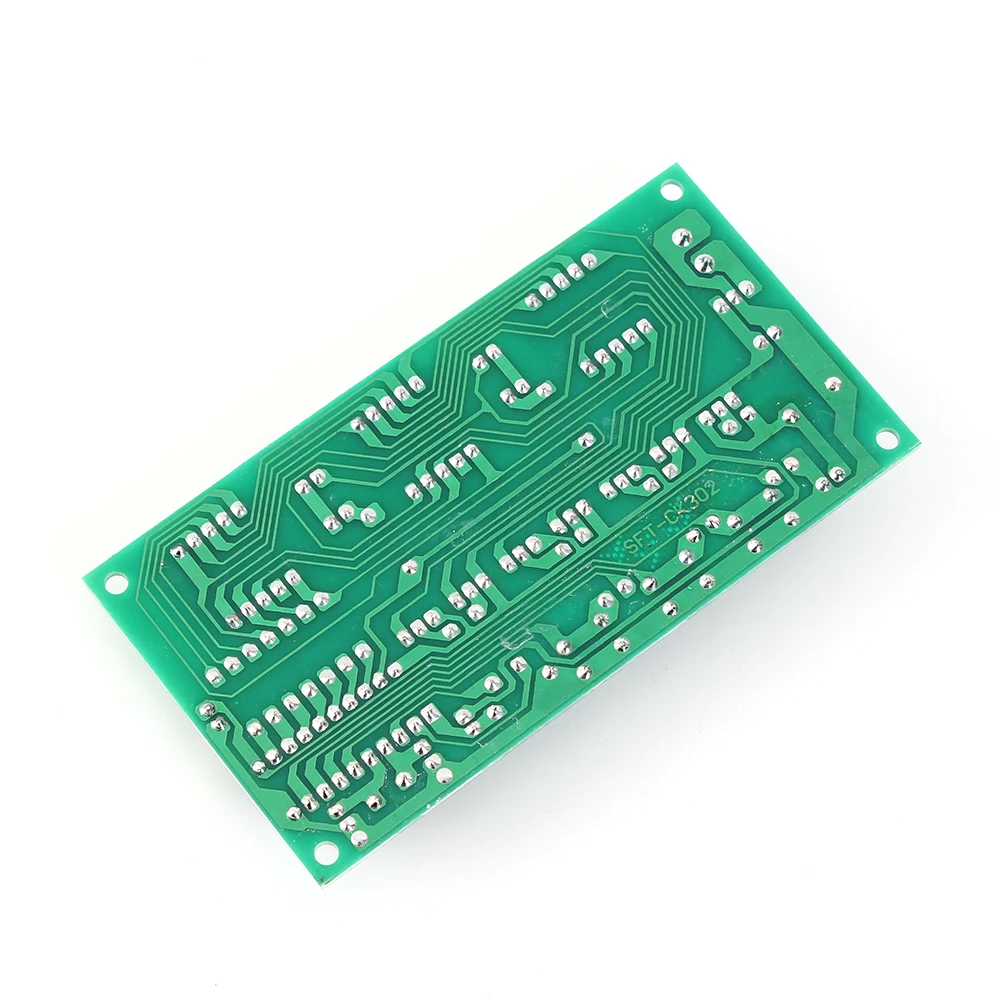
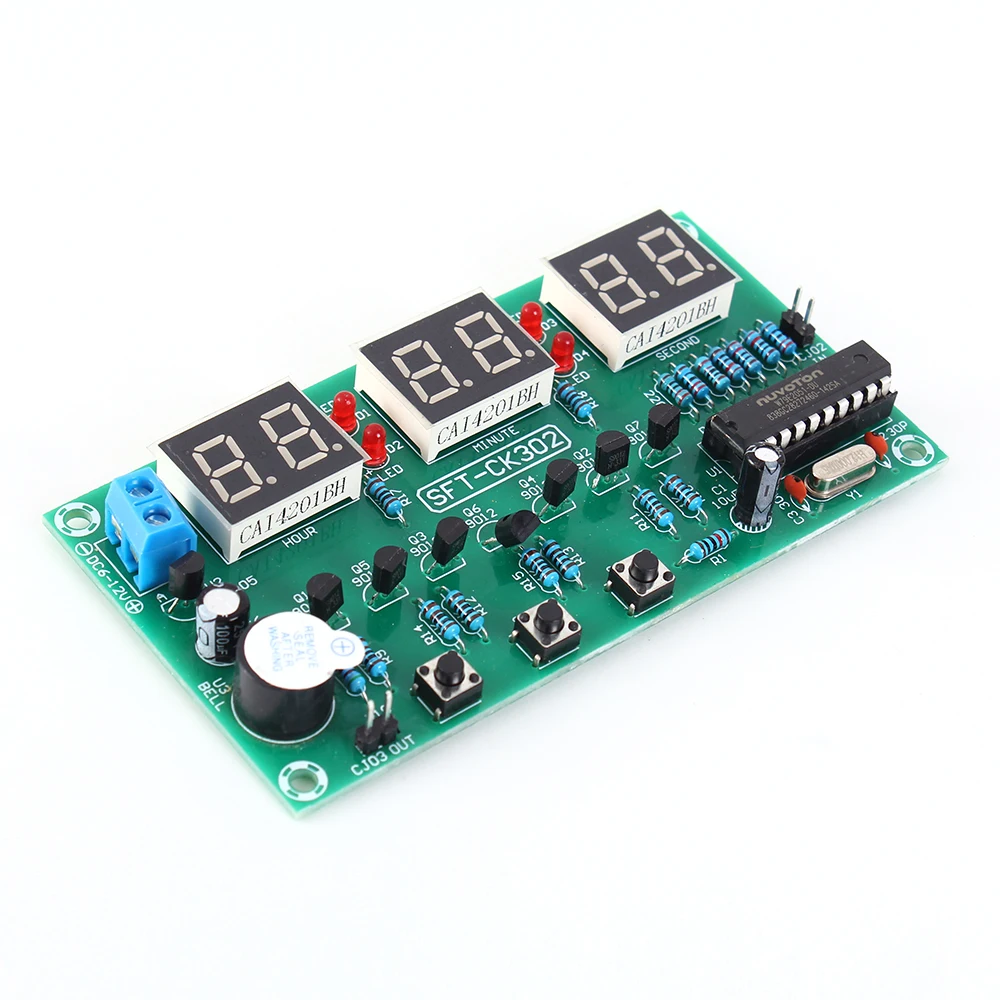
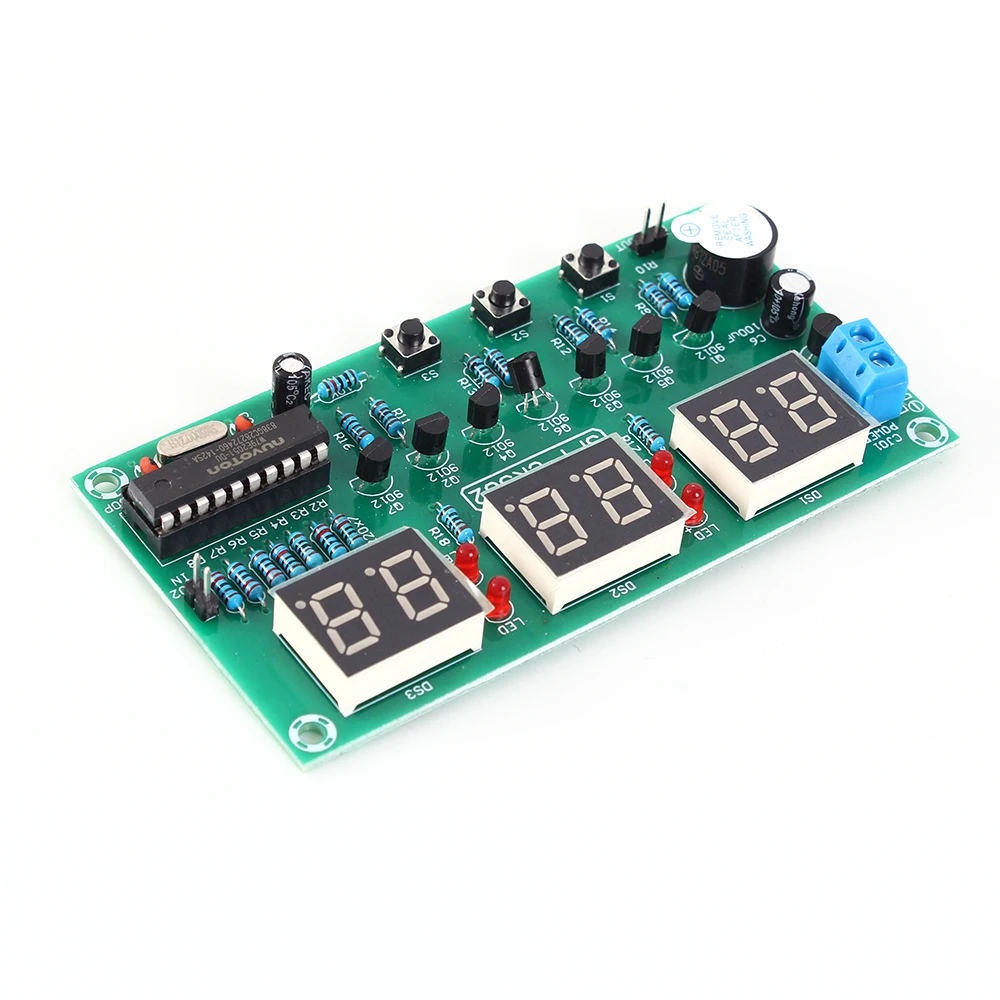
1>.Item Name:6Bit DC 6V-12V LED Electronic Clock Module
2>.Model:SFT-CK301
3>.Work voltage:DC 6V-12V
4>.Work current:35mA
5>.Display screen:0.4in Red 6Bit
6>.Work Temperature:-40~85 Celsuis
7>.Work Humidity:0%~95%RH
8>.Size:105*55*13mm
Function:
1>.Clock function
2>.Calibration function
3>.Alarm clock function
4>.Countdown function
5>.Stopwatch function
6>.Counter function
Instructions for use:
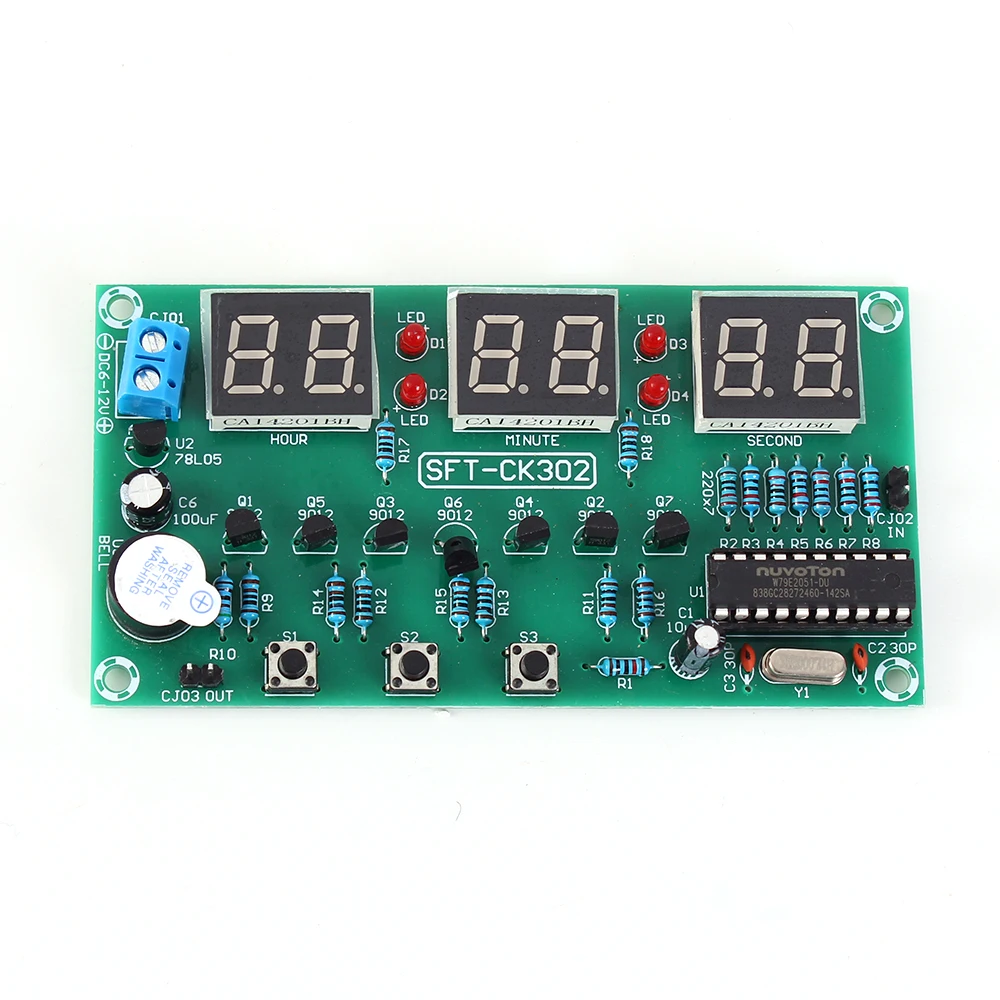
1>.Key Description:S1 is function selection button;S2 is function expansion button;S3 is increase button.
2>.Settings mode:Short press button S1 to set 6 functions.It will return to display mode is keep press button for more than 2 second.
3>.Clock function:Screen will display '10:10:00' after power ON.
4>.Calibration function:Short press button S1 once time.6Bit Digital Tube will flashing.Press button S2 to calibration hour.Press button S3 to calibration minute.Second cannot be calibrated.Press S1 return to normal display.
5>.Alarm clock function:Press button S1 twice times continuously.Screen will display '22:10:00' and ':' will flashing.Press S2 to set hour and S3 to set minute.Second cannot be set.It will display '-:-:-' if hour more than 23.It means turn OFF alarm clock function.The alarm is a buzzer for 3 seconds.
6>.Countdown function:Press button S1 three times continuously.Screen will display '0' and others will OFF.Press S2 is used to move value from right to left such as 1 to 10.Press S3 to increase 1.When S2 is pressed for the sixth time, the countdown will start automatically.Enter the countdown set function again and stop counting down when press S2 again.
7>.Stopwatch function:Press button S1 four times continuously.Screen will display '00:00:00' .Press S2 to start the stopwatch and Press S2 again to stop the timer. When the timer is stopped, press S3 to clear the stopwatch.
8>.Counter function:Press button S1 four times continuously.Screen will display '00:00:00'.When S2 is pressed, the counter is incremented by 1, and when S3 is pressed, the counter is cleared.
9>.CJ02 Male pins are input terminal.It is used to drive buzzer.
10>.CJ03 Male pins are output terminal.It will output low level when buzzer is OFF.and output high level when buzzer is ON.
Note:
The color of the LED indicator will change randomly, white or red. Please consider carefully before purchasing.
Package:
1pc6 Bit DC 6V-12V LED Electronic Clock Module
Write Your Own Review
Discover More Products from Its Parent Categories: